
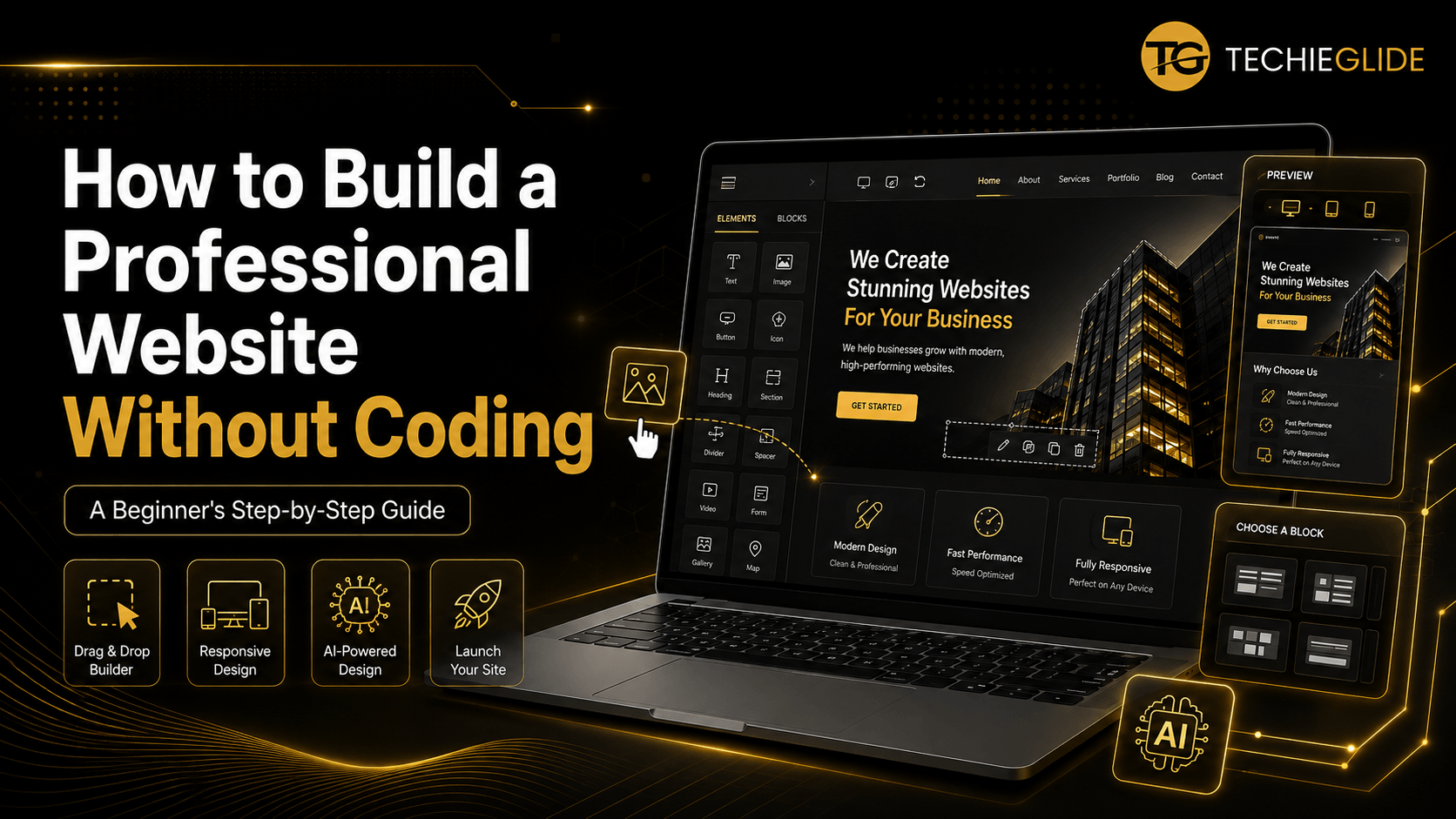

Build a Website Without Coding: Step-by-Step Guide for Beginners
In today’s digital world, you no longer need to be a programmer to create a professional website. Thanks to modern no code development tools, anyone can build a website without coding for a business, portfolio, blog, or online store in just a few hours.
Whether you’re a student, freelancer, entrepreneur, or small business owner, learning how to build a website without coding can save you time, reduce development costs, and help you launch your online presence quickly.
Many beginners ask questions like:
- How can I build a website without coding?
- Is WordPress good for building websites without coding?
- Can I become a web designer without coding?
- Can beginners build websites without programming?
- What is the best no-code website builder?
The good news is that the answer to all of these is yes. With platforms like WordPress and Elementor, creating professional websites has become easier than ever.
In this complete guide, you’ll discover the best platforms, tools, and step-by-step methods to build a website without coding in 2026.
Table of Contents
Introduction – Why Learning to Build a Website Without Coding Matters
A few years ago, building a website required knowledge of HTML, CSS, JavaScript, and PHP. Today, things have changed dramatically. Modern no code website builder for small businesses solutions allow anyone to create beautiful, responsive, and SEO-friendly websites using drag-and-drop editors.
Whether you want to:
- Launch your business online
- Start a blog
- Showcase your portfolio
- Sell products online
- Offer services to clients
You can do it without writing a single line of code.
This guide will help you:
- Understand how no-code website development works
- Learn the best tools to build a website without coding
- Discover why WordPress is the preferred choice
- Create a business, portfolio, or eCommerce website
- Start your web design journey even if you’re a complete beginner
The What – Why People Think Website Development Requires Coding
One of the biggest misconceptions is that every website must be built by a programmer.
Because of this belief, many aspiring entrepreneurs and students hesitate to create their own websites.
Common concerns include:
- “I don’t know programming.”
- “Coding looks difficult.”
- “Hiring a developer is expensive.”
- “Learning web development takes years.”
These concerns often delay businesses from establishing an online presence.
Fortunately, modern tools to build a website without coding eliminate these challenges.
Instead of manually writing code, you simply drag, drop, edit text, upload images, and publish your website.
The Solution – Build a Website Without Coding Using WordPress
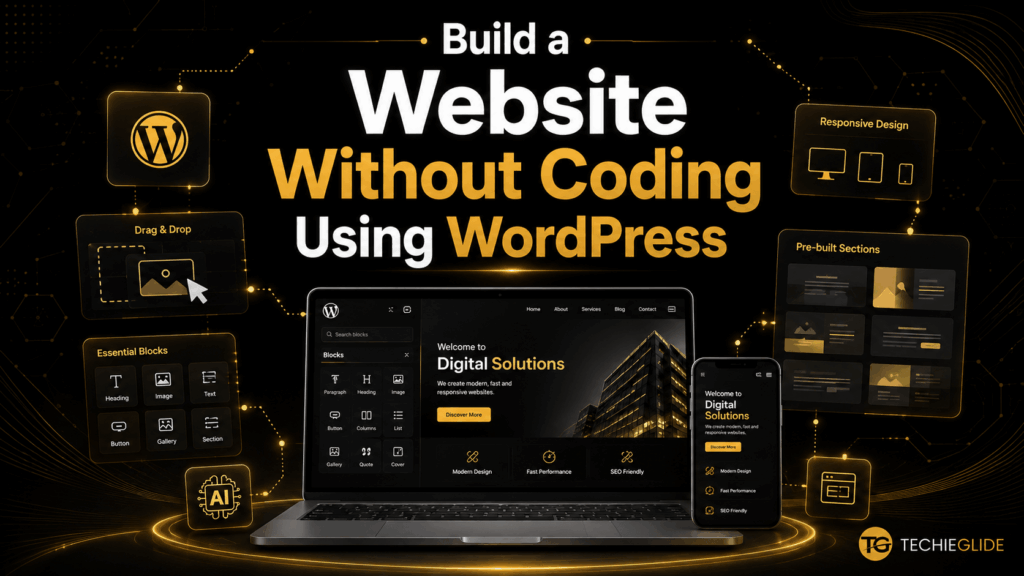
If you’re wondering how to build a website without coding, the most recommended solution is WordPress.
WordPress powers millions of websites because it is:
- Beginner-friendly
- Flexible
- SEO-friendly
- Highly customizable
- Suitable for businesses of all sizes
When combined with Elementor, WordPress becomes one of the easiest no-code website builders available today.
You can visually design pages without touching HTML or CSS.
Is WordPress Good for Building Websites Without Coding?
One of the most frequently searched questions is:
Is WordPress Good for Building Websites Without Coding?
Absolutely.
WordPress has evolved from a simple blogging platform into a complete website-building solution.
Using drag-and-drop page builders like Elementor, you can create:
- Business websites
- Company websites
- Portfolio websites
- Online stores
- Educational websites
- Landing pages
- Service websites
without writing code.
This makes WordPress one of the best platforms to build a website without coding.
Why WordPress Is the Best Platform to Build a Website Without Coding
There are many website builders available, but WordPress continues to dominate because of its flexibility and scalability.
Advantages
✔ Beginner-friendly
✔ Thousands of themes
✔ Powerful plugins
✔ SEO optimized
✔ Mobile responsive
✔ Fast loading
✔ Works with Elementor
✔ Affordable
✔ Suitable for freelancers and businesses
Unlike many closed website builders, WordPress gives you complete ownership and customization.
Best Platform to Build a Website Without Coding
When comparing website builders, several options stand out.
WordPress + Elementor
Best for:
- Business websites
- Blogs
- Landing pages
- Client websites
- Portfolio websites
Wix
Suitable for personal websites and beginners.
Shopify
Best for eCommerce businesses.
However, if flexibility, SEO, and long-term growth are your priorities, WordPress remains the preferred choice.
Tools to Build a Website Without Coding
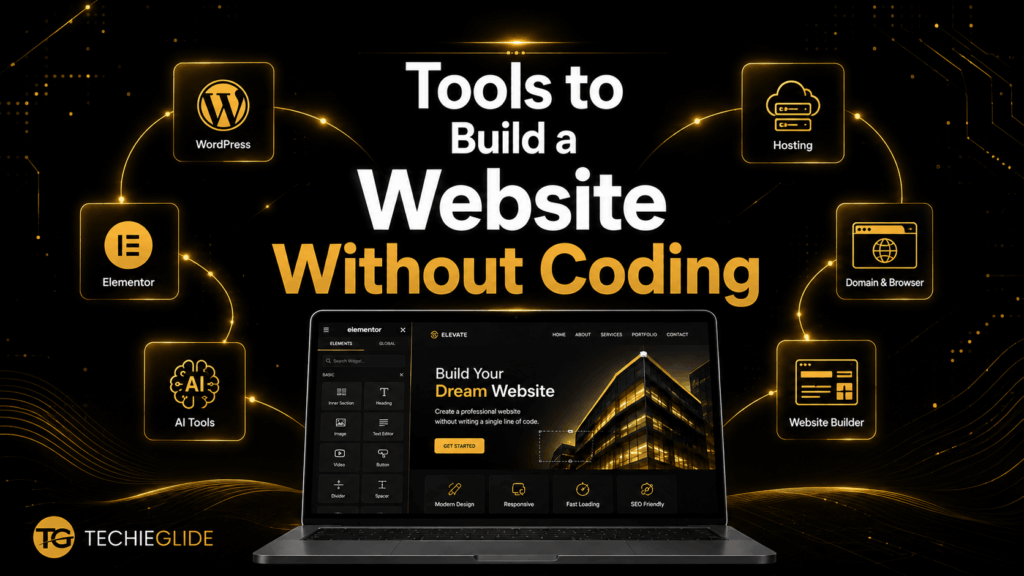
Modern website creation is powered by intuitive no-code tools.
Here are some of the most popular options:
Elementor
Visual drag-and-drop page builder.
Gutenberg
Native WordPress block editor.
Kadence Blocks
Advanced layout builder.
Spectra
Powerful block editor enhancements.
Kubio
AI-powered website builder.
AI Website Builders
Generate layouts, content, and designs using artificial intelligence.
These tools to build a website without coding significantly reduce the time required to create professional websites.
Create a Website Without Coding Using Elementor
One of the easiest methods to create a website without coding using Elementor is by using its visual page builder.
With Elementor, you can:
- Drag sections onto a page
- Customize fonts and colors
- Add images
- Create buttons
- Build contact forms
- Design responsive layouts
Everything happens visually without programming.
This is why Elementor is trusted by freelancers and agencies worldwide.
Build a Business Website Without Coding
Every business needs an online presence.
Using WordPress and Elementor, you can build a business website without coding that includes:
- Home Page
- About Us
- Services
- Portfolio
- Testimonials
- Contact Page
Additional features like inquiry forms, maps, WhatsApp buttons, and live chat can also be added using plugins.
Build an eCommerce Website Without Coding
Want to sell products online?
You can build an eCommerce website without coding using WooCommerce.
WooCommerce allows you to:
- Add products
- Accept online payments
- Manage inventory
- Offer discounts
- Process orders
- Track customers
Combined with Elementor, you can design attractive product pages without writing code.
Create a Portfolio Website Without Coding
Freelancers, designers, photographers, architects, and developers often need portfolio websites.
With WordPress, you can easily:
- Showcase projects
- Display client testimonials
- Add contact forms
- Highlight skills
- Share case studies
Creating a professional portfolio no longer requires coding knowledge.
Can Beginners Build Websites Without Programming?
Yes.
One of the biggest advantages of modern website builders is accessibility.
Even beginners with zero technical background can build websites by learning:
- WordPress basics
- Themes
- Plugins
- Elementor
- Website customization
With consistent practice, most beginners can confidently build professional websites.
Can I Become a Web Designer Without Coding?
Another common question is:
Can I Become a Web Designer Without Coding?
Absolutely.
Today’s web designers focus on:
- Layout
- User experience
- Branding
- Typography
- Colors
- Responsive design
Instead of coding every page manually, designers use WordPress and page builders to deliver websites faster.
Many successful freelancers have built careers without becoming full-time programmers.
Common Mistakes Beginners Should Avoid
Many beginners make small mistakes that slow down their progress.
Choosing the Wrong Platform
Not every website builder offers flexibility. WordPress gives you complete control over your website and supports future growth.
Installing Too Many Plugins
Only install trusted and necessary plugins to keep your website secure and fast.
Ignoring SEO
Publishing a website without optimizing it for search engines makes it difficult for potential customers to find you online.
Not Optimizing Images
Large image files slow down your website. Always compress images before uploading them.
Skipping Mobile Optimization
Always preview your website on desktop, tablet, and mobile devices before publishing.
Real-World Applications of No-Code Websites
After learning how to build a website without coding, you can create websites for almost any industry.
Examples include:
- Business websites
- Restaurant websites
- Medical clinic websites
- Educational websites
- Coaching websites
- Personal portfolio websites
- Event websites
- Real estate websites
- NGO websites
- eCommerce stores
- Service-based business websites
This flexibility makes WordPress one of the most versatile website-building platforms available today.
Start Learning with Free Tutorials
If you’re completely new to WordPress, begin with our Learn WordPress in Tamil YouTube tutorials. These beginner-friendly videos explain WordPress installation, themes, plugins, Elementor, and website customization step by step.
Once you’ve mastered the basics, you can move on to advanced techniques like WooCommerce, SEO optimization, AI-powered tools, and website performance improvements.
Ready to Build Professional Websites?
If you’re serious about building websites without coding and want structured guidance, our 21 Days WordPress Challenge is designed specifically for beginners.
Throughout the course, you’ll learn to:
✔ Build responsive websites
✔ Design professional pages using Elementor
✔ Create business and eCommerce websites
✔ Understand themes, plugins, and customization
✔ Improve website SEO and performance
✔ Build a portfolio with real projects
By the end of the challenge, you’ll have practical experience and the confidence to start freelancing or build websites for your own business.
Conclusion
Learning to build a website without coding has become one of the most valuable digital skills in 2026. Thanks to platforms like WordPress and Elementor, anyone can create professional, responsive, and SEO-friendly websites without programming knowledge.
Whether you’re starting a business, showcasing your portfolio, launching an online store, or beginning a freelancing career, no-code website development offers endless possibilities.
The key is to start with the right platform, practice consistently, and build real projects. With modern no-code tools, creating websites is no longer limited to programmers—it’s a skill anyone can learn.
Take the first step today, keep improving, and you’ll soon have the confidence to build websites that look professional and deliver real results.
FAQ
How can I build a website without coding?
You can build a website without coding using WordPress and drag-and-drop page builders like Elementor. Simply choose a theme, customize the design, add content, install essential plugins, and publish your website without writing any code.
Is no-code website development worth learning?
Yes. No-code website development is worth learning because it allows beginners, freelancers, and business owners to create professional websites quickly. It also opens opportunities in freelancing, web design, and digital business without requiring programming skills.
What is the best no-code website builder?
WordPress combined with Elementor is one of the best platforms to build a website without coding. It offers complete design flexibility, thousands of plugins, SEO-friendly features, and the ability to create business, portfolio, blog, and eCommerce websites.
Is WordPress good for building websites without coding?
Absolutely. WordPress is one of the most popular no-code website platforms. With page builders like Elementor, beginners can create responsive, professional websites without any coding knowledge.
Can I become a web designer without coding?
Yes. Many successful web designers build websites using no-code tools like WordPress and Elementor. By learning website design principles, responsive layouts, and SEO, you can build a successful career without becoming a programmer.
Can beginners build websites without programming?
Yes. Beginners can easily build websites without programming by using WordPress themes, drag-and-drop page builders, and beginner-friendly plugins. With regular practice, anyone can create professional websites.


0 Comments